
On-device face swap that stays on your phone
Blence detects landmarks and blends faces on the Android device you already use. The original photo or video does not need to be sent to a server to generate the swap.
Core engine on-device · Network services are disclosed in the Privacy Policy
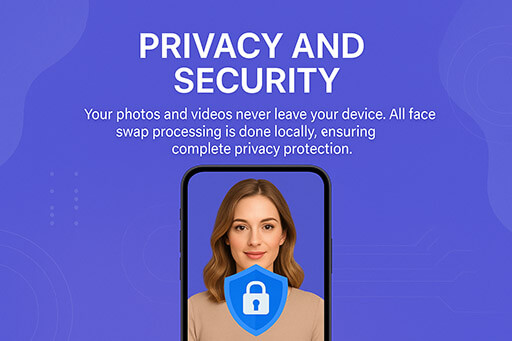
What on-device processing covers
On-device means the swap render runs locally. The app still connects to the network for templates, sign-in, payments, and updates — those are separate from generating the face swap on your media.
- No cloud generator for the swapYour selected photo or video is processed on the phone. You do not upload the clip to a remote model just to get a result.
- Connected services are separateAccounts, templates, credits, web checkout, analytics, advertising, diagnostics, and updates use network services described in the Privacy Policy.
- You control the exportSave to the gallery or share through another app only when you choose. Blence does not post your swap to social networks by itself.
Keep a swap on the device
A typical private workflow looks like this:
On-device face swap — questions
What stays local, and what still uses the network.
Are my photos uploaded to generate a swap?
No. Core face-swap processing runs on the device. The original media does not need to be uploaded to a server to create the result.
Does Blence work fully offline?
Not for every step. You still need the network to install, update, download templates, sign in, and purchase. After required assets are on the device, the swap render is local.
What information leaves the device?
Account, purchase, credit, app, device, analytics, advertising, attribution, and diagnostic information may be sent to Blence and its providers. The selected source media is not uploaded for the core swap.
How do I request data deletion?
Follow the data deletion page and email support@blence.app with the user ID shown in Blence settings and any linked login method.
Is on-device the same as no internet?
No. On-device describes where the swap is computed. Installation, templates, accounts, credits, web checkout, analytics, and updates still use the network.
More about Blence
Official Blence pages for locally processed face swaps on Android.

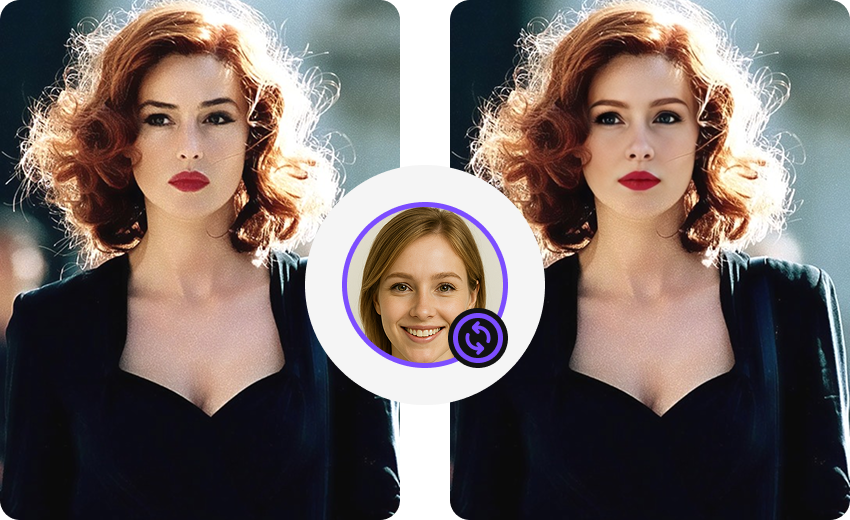

Run face swaps on your Android device
Download the official APK on blence.app and keep source media on the phone during generation.