Create locally processed face swaps on Android
Blence: Locally Face Swap is the official Android app. Download the APK on blence.app. Pick a selfie, choose a template or your own clip, then save the result from your phone.
Official APK on blence.app · Core swap runs on your Android device

Local face swap for photos, videos, and group shots
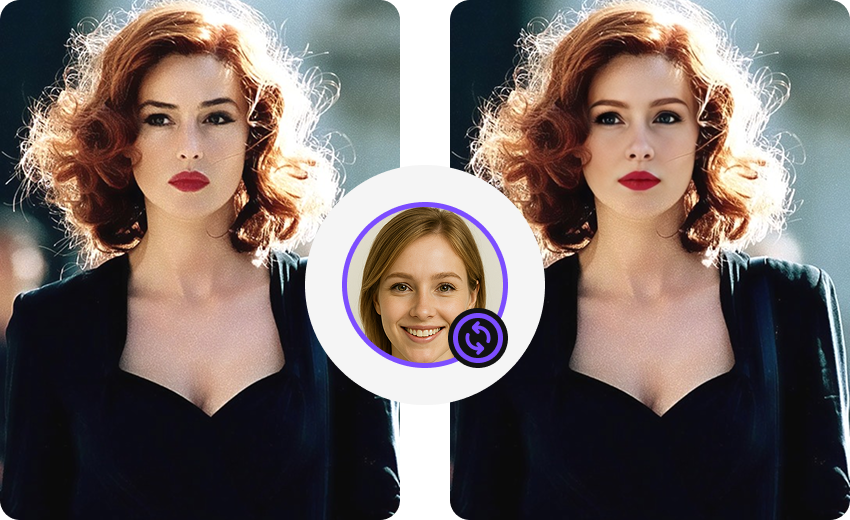
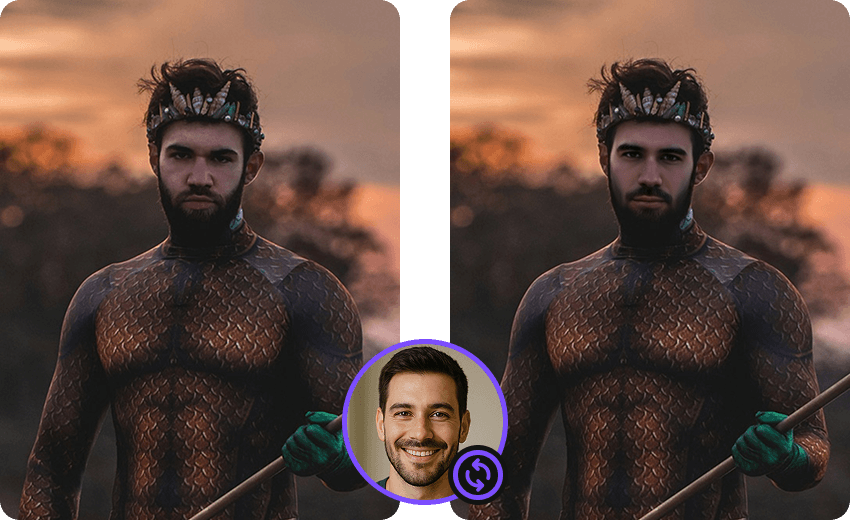
Blence keeps the swap workflow on your Android device. You can start from a gallery photo, a longer clip, or several faces in one frame — then export without uploading the original media to a remote generator.
- Your media or a templateUse a photo or video from your gallery, or start from a template currently available in the Android app.
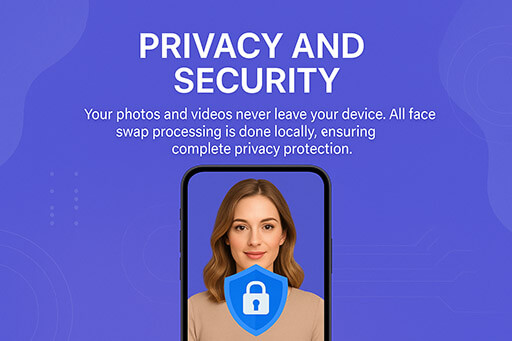
- Processed on the phoneDetection, alignment, and blending run locally. Source files are not sent to a cloud face-swap service for generation.
- Photo, video, and multi-faceThe same app covers stills, clips, and group photos so you do not need a separate tool for each format.
How to make a locally processed face swap
Download the official APK on blence.app, then finish a swap in three steps:
Locally Face Swap — questions
About installing Blence and running swaps on your Android device.
What does locally face swap mean in Blence?
The core face-swap engine runs on your Android device. Templates, account, payments, and analytics may still use network access as described in the Privacy Policy.
Where do I download Blence?
Download the official APK on blence.app and follow the install prompts on your phone.
Can I swap both photos and videos?
Yes. Blence supports custom photos, short clips, longer videos, and group shots with more than one face, subject to device memory and the media you select.
Is Blence free?
Blence is free to download. Basic templates and starter credits are available. Pro and extra credits use a web checkout opened by the app. Non-subscribers may receive watermarked output.
Do I need an internet connection?
You need a connection to download updates, sign in, synchronize credits, download templates, and purchase. The swap itself is generated on the device after the required assets are available.
More about Blence
Official Blence pages for locally processed face swaps on Android.
Download Locally Face Swap
Get the official Blence Android app and process swaps on your phone.