Face swap templates for movies, memes, and trends
Blence includes a curated in-app template library — movie-inspired scenes, viral meme stills, group shots, and seasonal packs — alongside custom photo and video imports.
Templates download in-app · Free, credit, and Pro access is shown before use
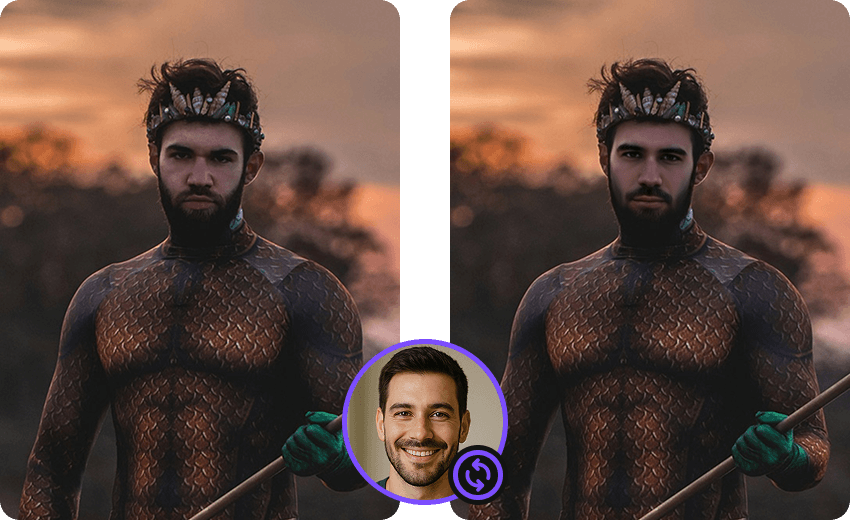
One library for scenes, memes, and group photos
Instead of separate landing pages for every style, Blence keeps templates in the app. Browse what is currently published, apply your face, and export from the device.
- Movie and character scenesStep into available cinematic or character-inspired templates without editing a timeline yourself.
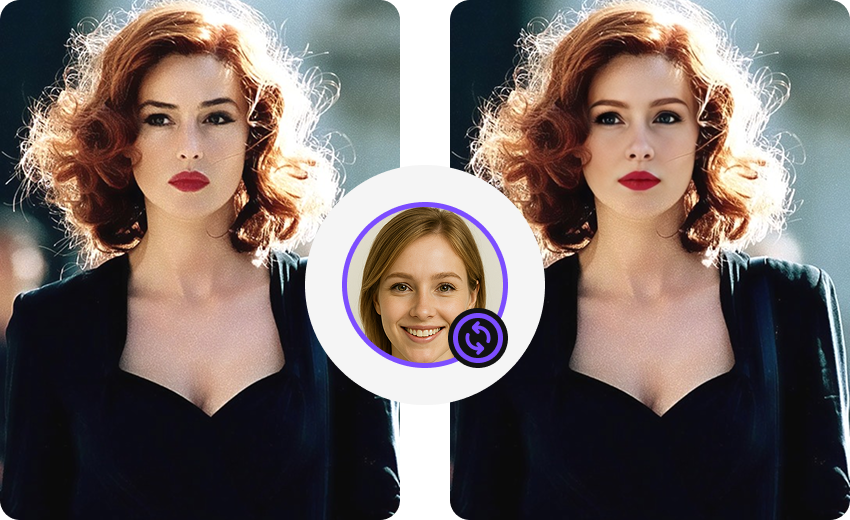
- Memes and trendsDrop your face into meme stills and short trend clips that are currently listed in the app.
- Group and multi-face templatesSome templates and custom shots include more than one face. Assign a source face to each detected person.
Use a template in Blence
Templates live in the Android app, not as web uploads:
Face swap templates — questions
What is in the library and how free, credit, and Pro access works.
Which templates are included for free?
New users get free templates and starter credits. The exact free set changes as packs rotate; the app shows what is currently included.
How do I unlock premium templates?
Use credits or Blence Pro through the web checkout opened by the app. One-time credit packs do not expire; subscription credits follow the plan period.
Can I still use my own photo or video?
Yes. Templates are optional. Custom photo, short-video, and long-video swaps are available in the same app.
Do movie templates use copyrighted films?
Templates are original or licensed packs published in the app. They are for entertainment. Do not upload or create content that infringes someone else’s rights.
Are templates processed in the cloud?
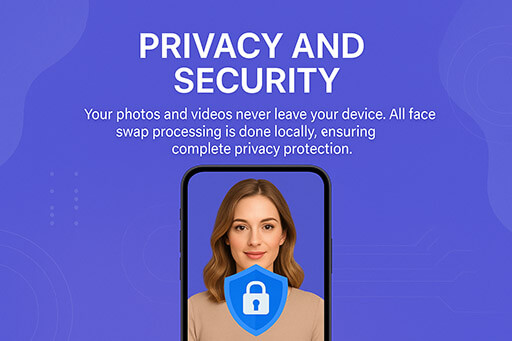
Template files may download over the network. Applying your face to a template still runs the swap engine on the device.
More about Blence
Official Blence pages for locally processed face swaps on Android.

Open the template library in Blence
Download the official APK on blence.app to browse current movie, meme, and trend packs.